
The help menu
Help
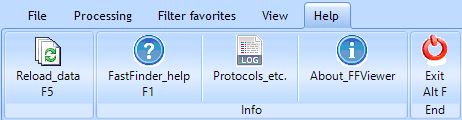
Reload data
For speed reasons, not every change to the database is immediately displayed in the FFViewer.
A non-current state is indicated by a red field in the status bar.
You can update the display by pressing F5, the button in the help menu or clicking on the red field.